Files and notes
Files
Every engagement has a file area, and so does every asset. Both use the same browser and the same storage, showing a different slice of the tree.
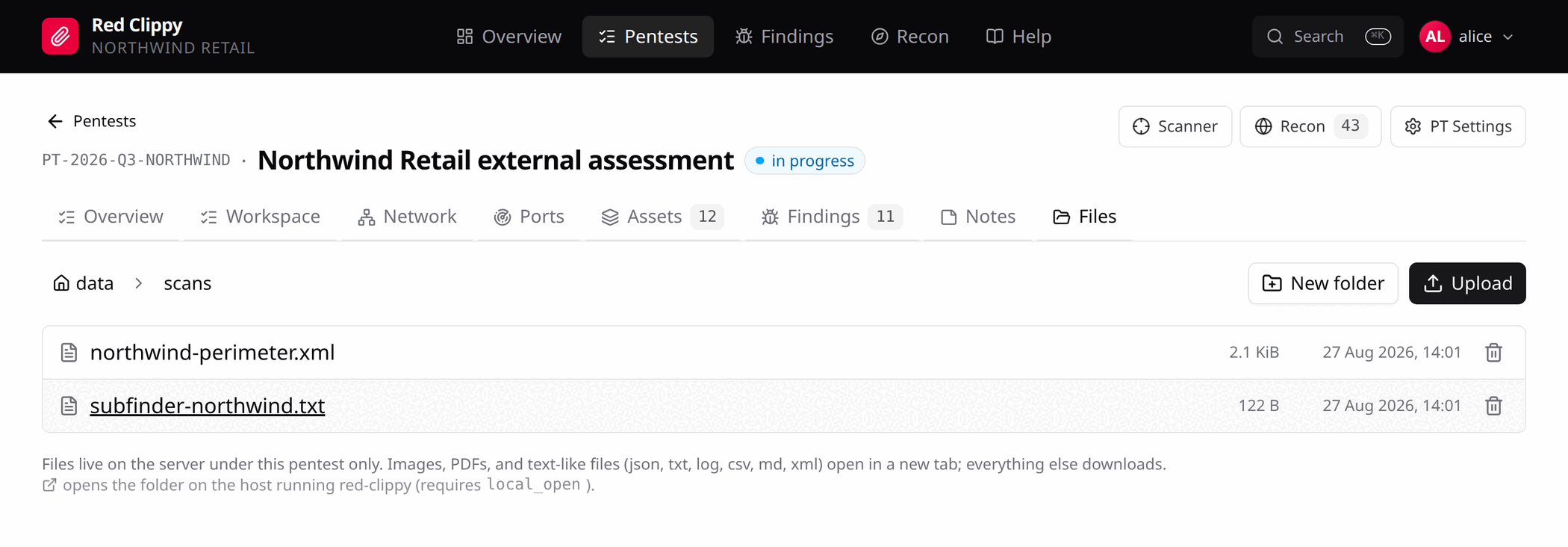
The breadcrumb at the top navigates back up. New folder creates a subfolder, Upload adds files to the folder you are in, and the bin icon on a row deletes.
Images, PDFs and text-like files (json, txt, log, csv, md, xml)
open in a new tab. Everything else downloads.
This is the right place for raw scan output, screenshots that are not attached to a specific finding, client-supplied documents, and any working file you want to survive the session. See Files on disk for where they end up on the server.
Reveal in file manager
The external-link icon asks the server to open the folder in the desktop file
manager of the machine running red-clippy serve. It is off unless
local_open = true is set in the config file.
Turn it on only when the server is your own desktop in a logged-in graphical session. Under systemd, or on a machine you are reaching over the network, there is no session for it to open into and it will either fail or do something you did not intend.
Agents and files
The asset file area is reachable over MCP with list_asset_files,
read_asset_file, write_asset_file, create_asset_folder and
delete_asset_file. An agent can therefore keep its working notes and its raw
output in the same place you would, and you can read them in the browser
without asking it for a summary.
Notes
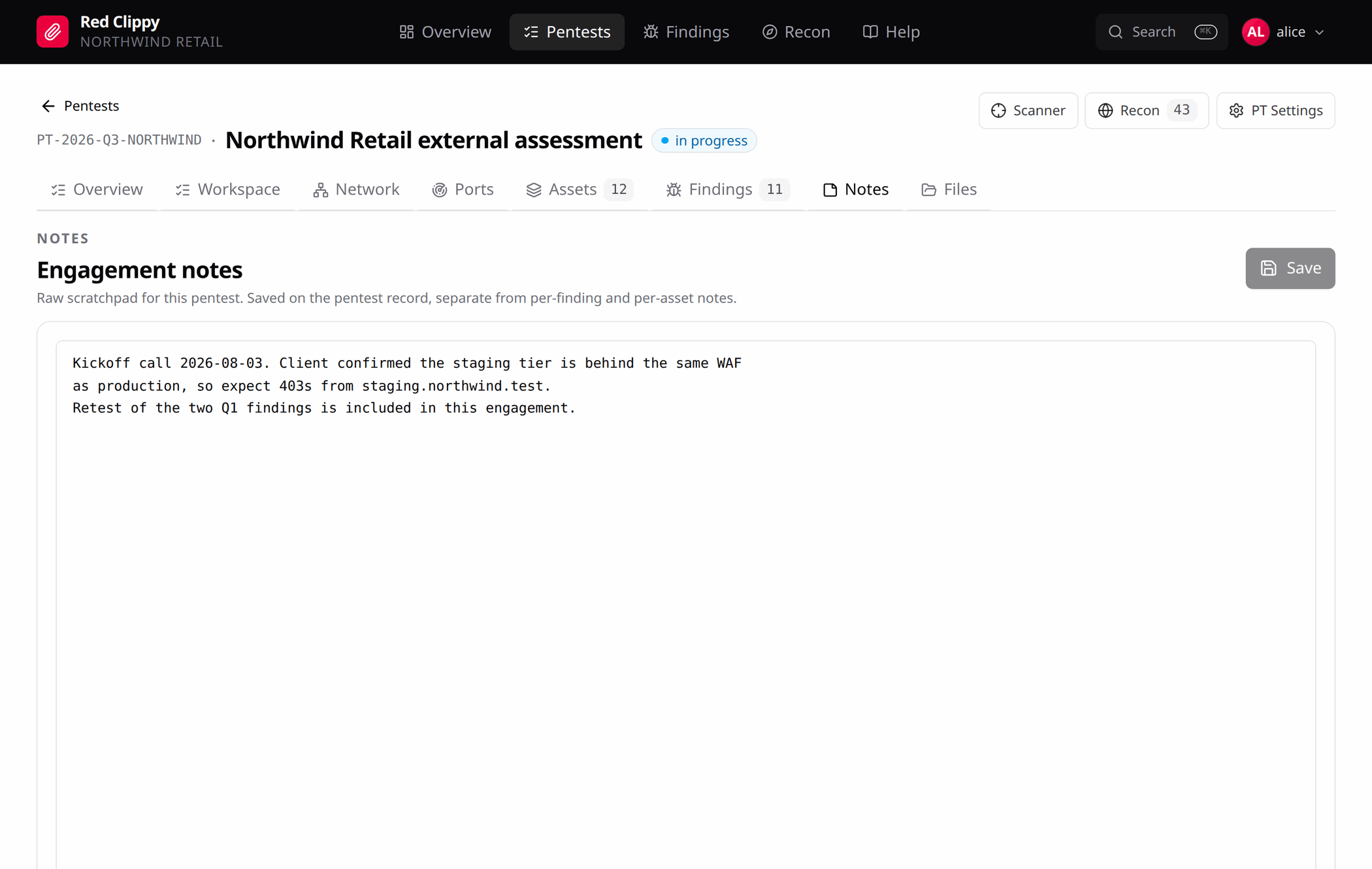
The Notes tab is a full-page scratchpad for the engagement. Commands tried, payloads to revisit, half-formed observations, the thing the client said on the phone. Markdown, code blocks, or nothing in particular.
Ctrl+S saves, or use the Save button. The header says “unsaved changes”
while your draft differs from what is stored, so a closed tab does not quietly
lose an hour of thinking.
There are four separate note fields in the app, and they are separate on purpose:
| Notes on | Where | Good for |
|---|---|---|
| The engagement | Notes tab, and the Notes field on PT Settings | Anything about the engagement as a whole. |
| A phase | Workspace, engagement mode | What happened during scoping, recon, testing. |
| A check | Workspace, asset methodology | Evidence, repro steps, payloads tried, responses seen. |
| An asset | Asset workspace, Notes tab | What this host is, how it behaves, what to come back to. |
The engagement Notes tab and the PT Settings notes field are the same underlying field, shown twice: once in a form with the rest of the engagement record, and once on a page with room to actually write.