Organizations and members
Organizations in the avatar menu is the in-app replacement for the
create-org, create-user and add-member CLI commands. Anything on this
page can also be done from the command line, and vice versa.
Your organizations
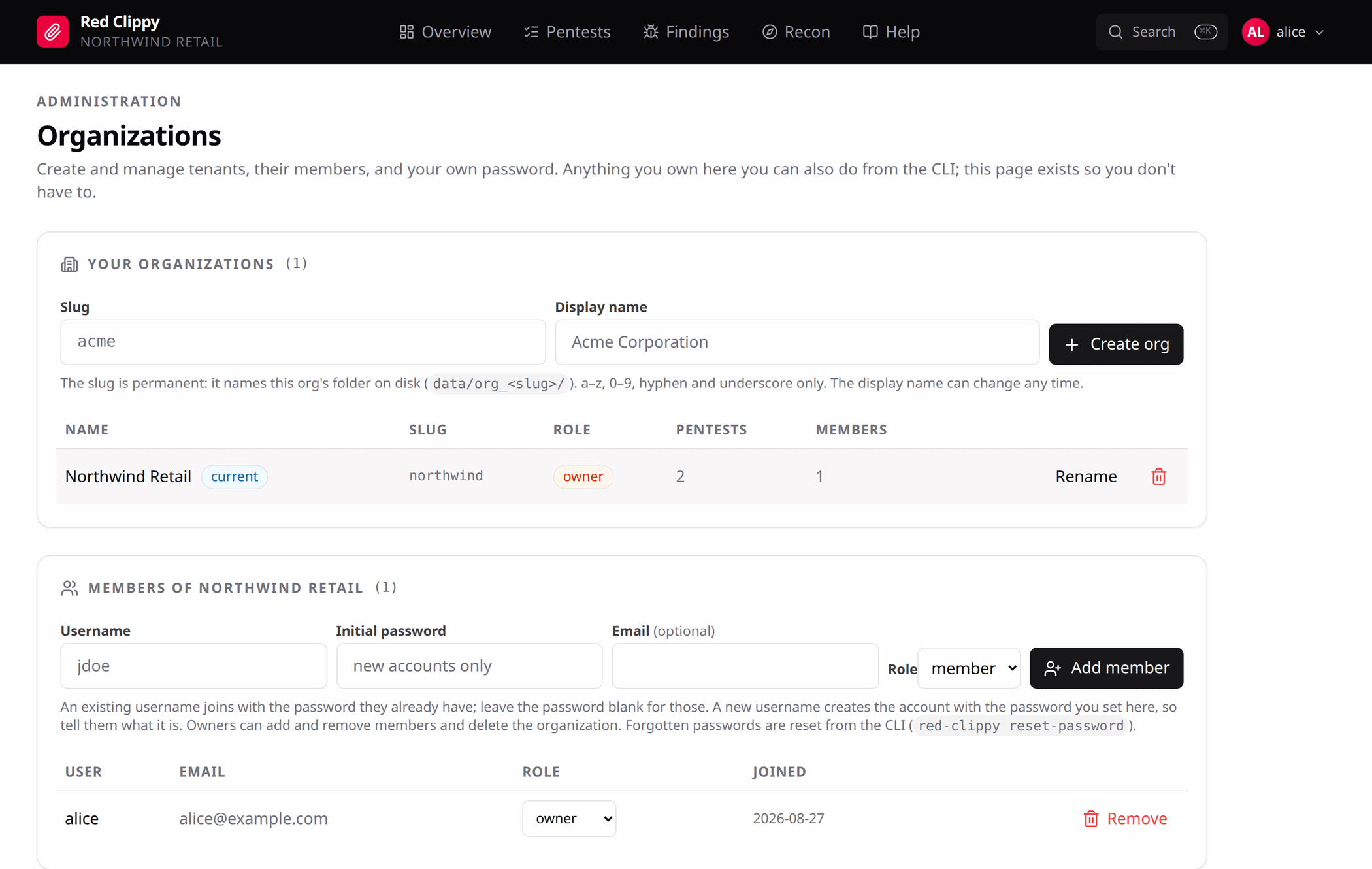
The table lists every organization you belong to, with your role in each, and
its pentest and member counts. The one you are currently working in is badged
current.
Switch to changes the active organization and reloads the panel. Everything cached is scoped to the previous tenant, so a full reload is the honest way to do it.
Create org takes a slug and a display name. The slug is permanent because
it names the organization’s directory on disk
(<storage_root>/org_<slug>/); use lowercase letters, digits, hyphen and
underscore. The display name can change any time with Rename.
Any signed-in user can create an organization, and becomes its owner.
Members
Selecting a row loads that organization’s members below.
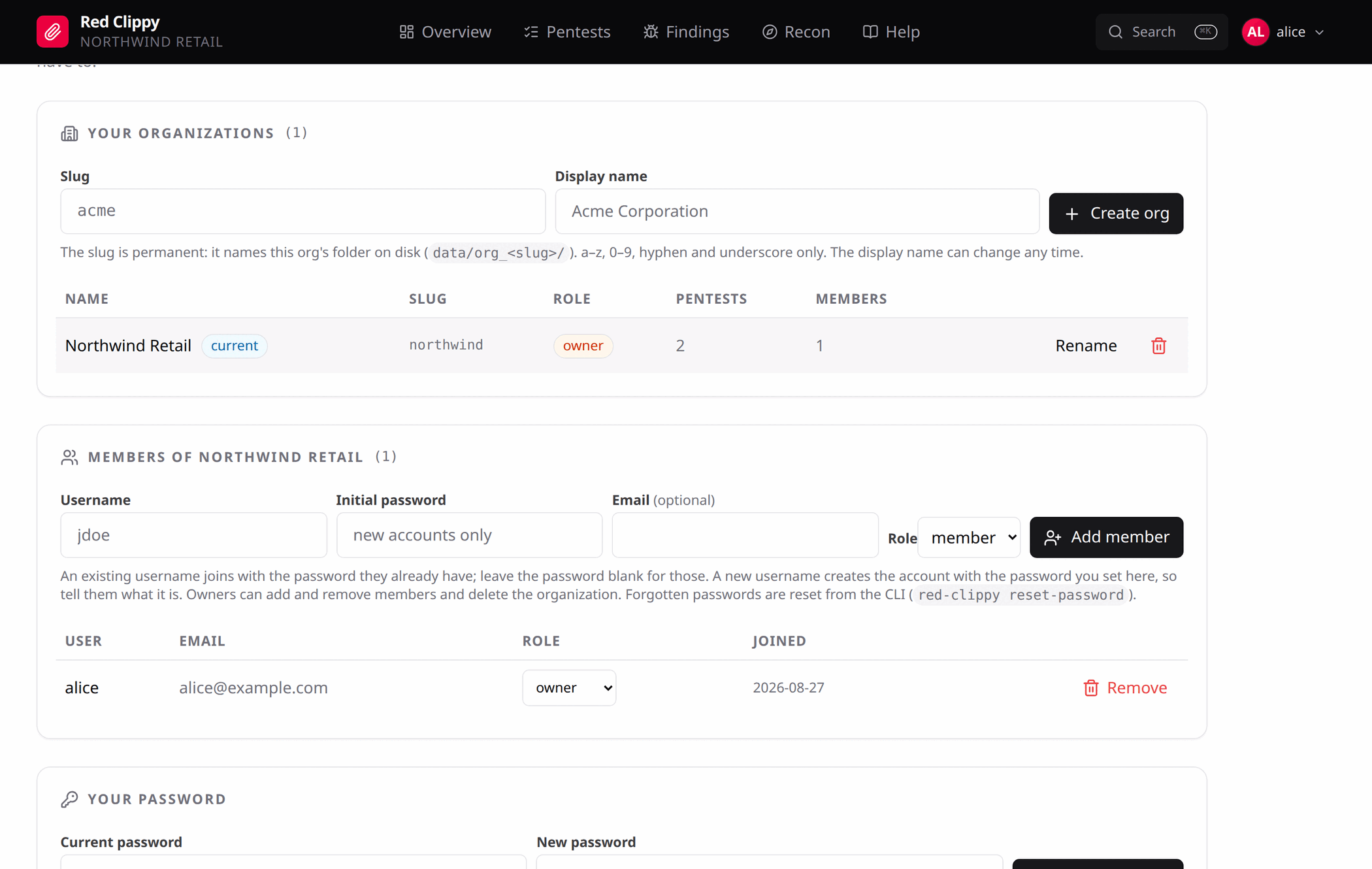
Add member behaves differently depending on whether the username already exists:
- an existing username joins with the password they already have, so leave the password field blank
- a new username creates the account with the password you type, so you have to tell them what it is
Roles are owner or member. Owners can add and remove members, change roles,
rename the organization and delete it. Members work the engagements and issue
their own API keys.
Only owners see the add form and the role dropdowns. The server enforces the same rules regardless of what the browser shows, so a hidden button is a convenience, not the control.
Removing someone from an organization keeps their account and their API keys for other organizations. It only removes this membership.
One organization per client
One organization per client is about separation, not tidiness. An organization cannot see another’s data, and an API key belongs to exactly one organization. Give each client its own and connect one MCP server per organization. An agent working for one client then has no path to another’s findings.
Your password
The bottom card changes your own password. It asks for the current one, and changing it signs out your other sessions.
There is deliberately no “reset this member’s password” button. Any signed-in user can create an organization and invite any username into it, so an in-app reset would be an account takeover primitive. Forgotten passwords are reset from the CLI on the server:
red-clippy reset-password --username bob --password 'new-one'
Deleting an organization
Owners can delete, and it asks you to type the slug rather than clicking yes. Deletion removes every pentest, finding, asset, observation, scan and evidence record inside the organization, for every member.
Files on disk under <storage_root>/org_<slug>/ are deliberately left in
place. Remove them yourself if you want them gone. A mis-click therefore costs
you the index, not the artefacts.