Getting Started
Accessing the Panel
Open a browser and navigate to:
https://<your-host>:4455
Note
If using a self-signed certificate, your browser will show a security warning. Accept it to proceed.
First-Time Setup
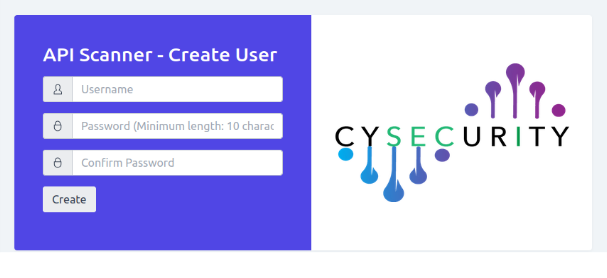
On first access, you will be prompted to create an account. Enter a username, a password (minimum 10 characters), and confirm the password, then click Create.
Login
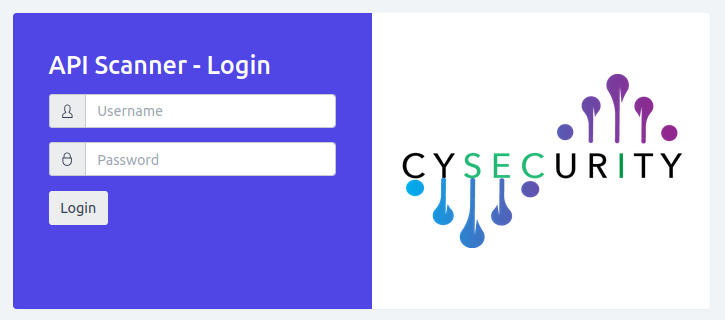
After the account is created, enter your username and password to log in.