API Discovery
API Discovery scans a target URL to automatically identify available API endpoints. It detects OpenAPI/Swagger definitions, GraphQL endpoints, health check paths, and other commonly used API routes. Discovered API specifications can then be used to run security scans.
Starting a Discovery
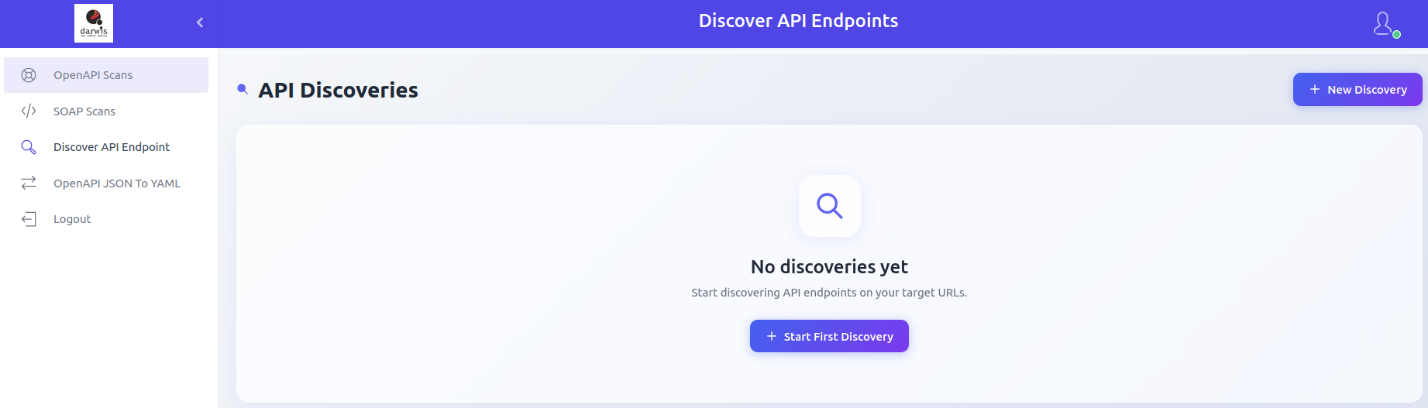
From the sidebar, click Discover API Endpoint. If no discoveries exist, click Start First Discovery. Otherwise, click New Discovery in the top-right corner.
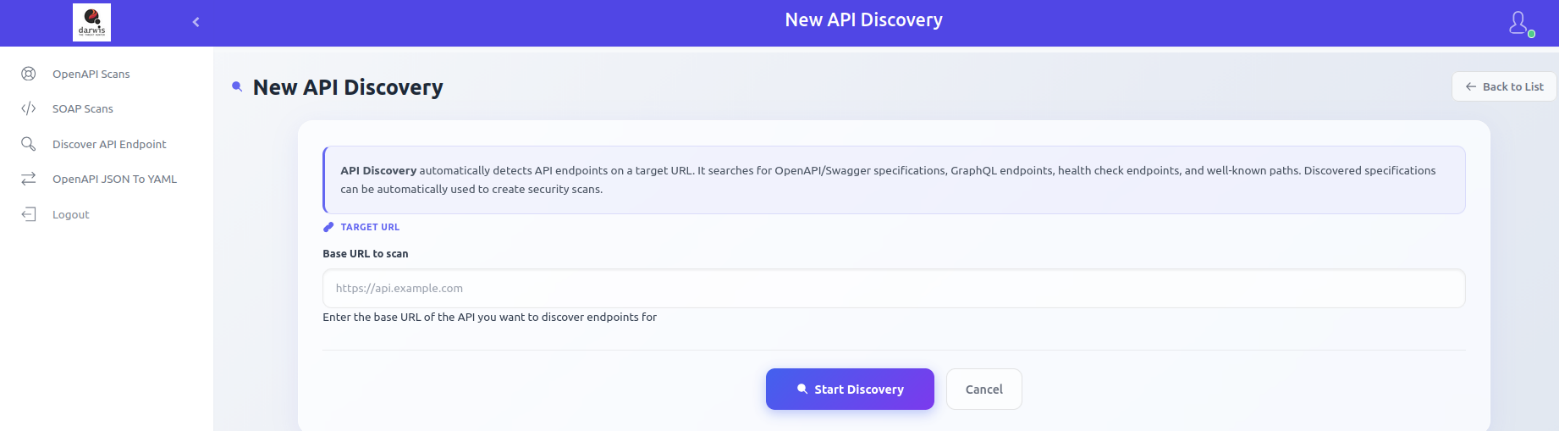
Enter the target URL and click Start Discovery.
Viewing Discoveries
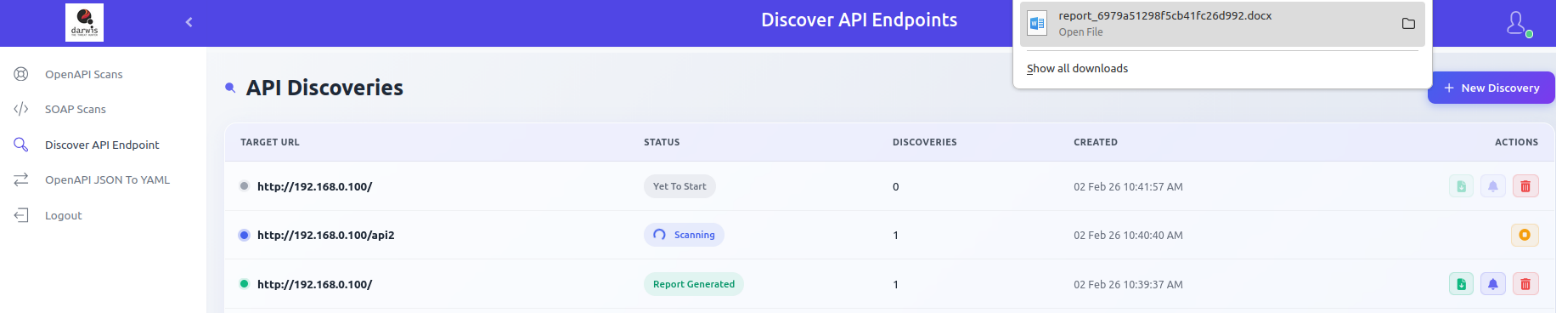
Click Discover API Endpoint in the sidebar to view all discovery runs.
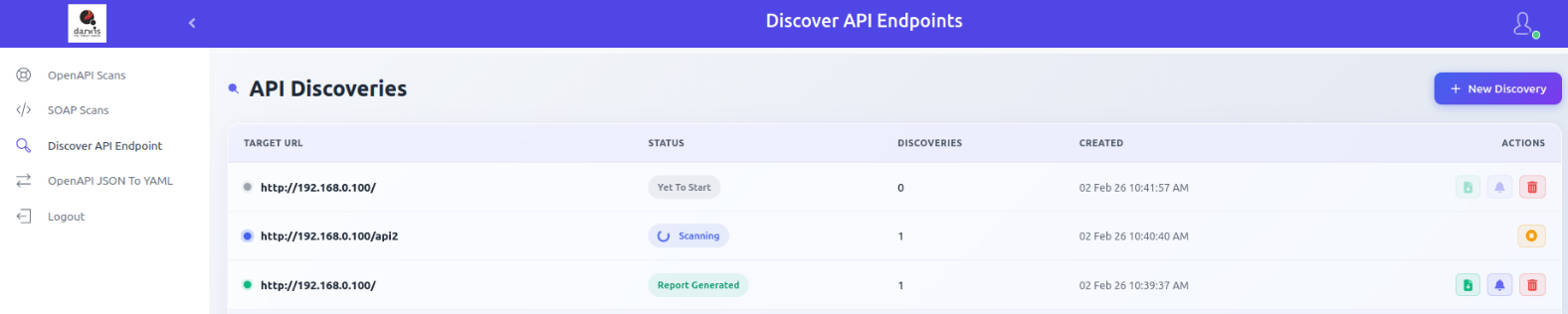
Each row shows:
| Column | Description |
|---|---|
| Target URL | The URL that was scanned for API endpoints |
| Status | In progress, completed, failed, or stopped |
| Discoveries | Number of endpoints discovered |
| Created | Date and time the discovery was created |
| Actions | Report, View Results, Delete |
Report
Download discovered endpoints in document format.
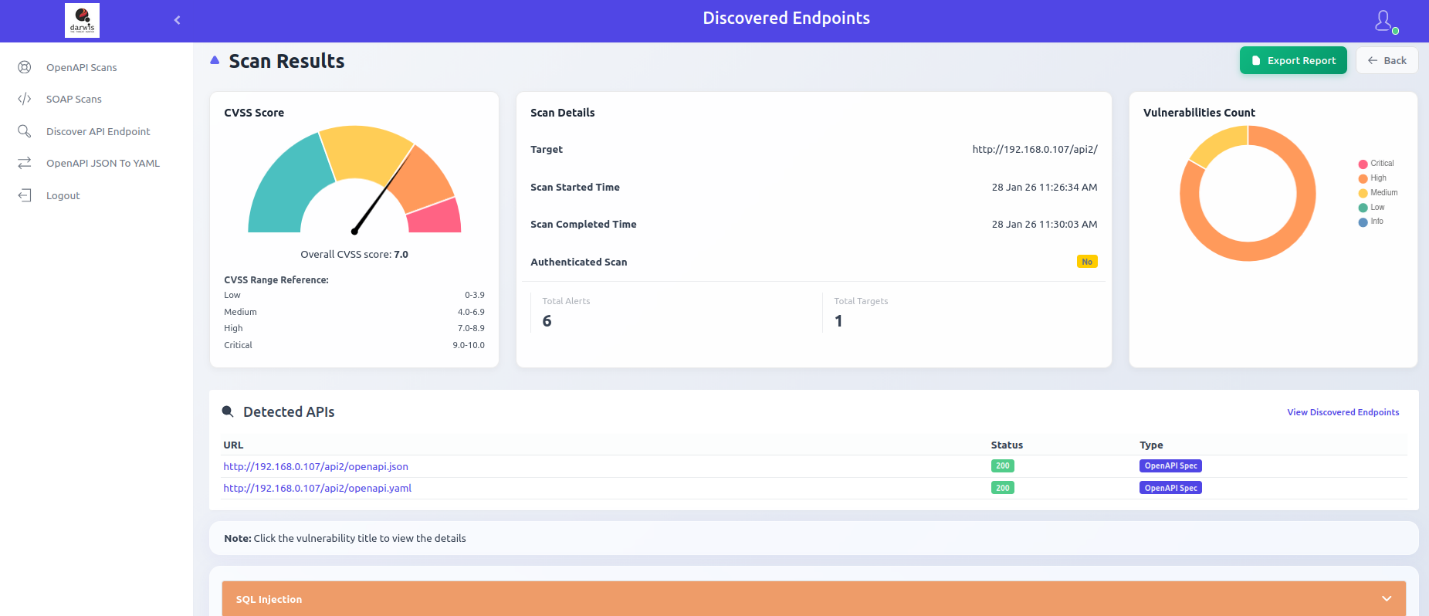
Scan Results
Click View Results to view detected APIs, discovered endpoints, and any scan results found at those endpoints.
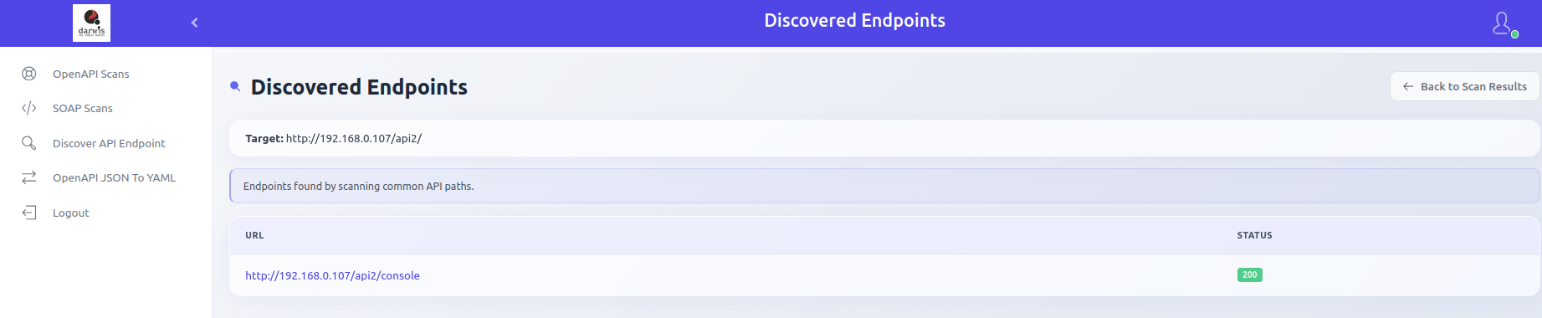
Discovered Endpoints
Click View Discovered Endpoints in the detected APIs section to see all endpoints found by scanning common API paths.
Deleting a Discovery
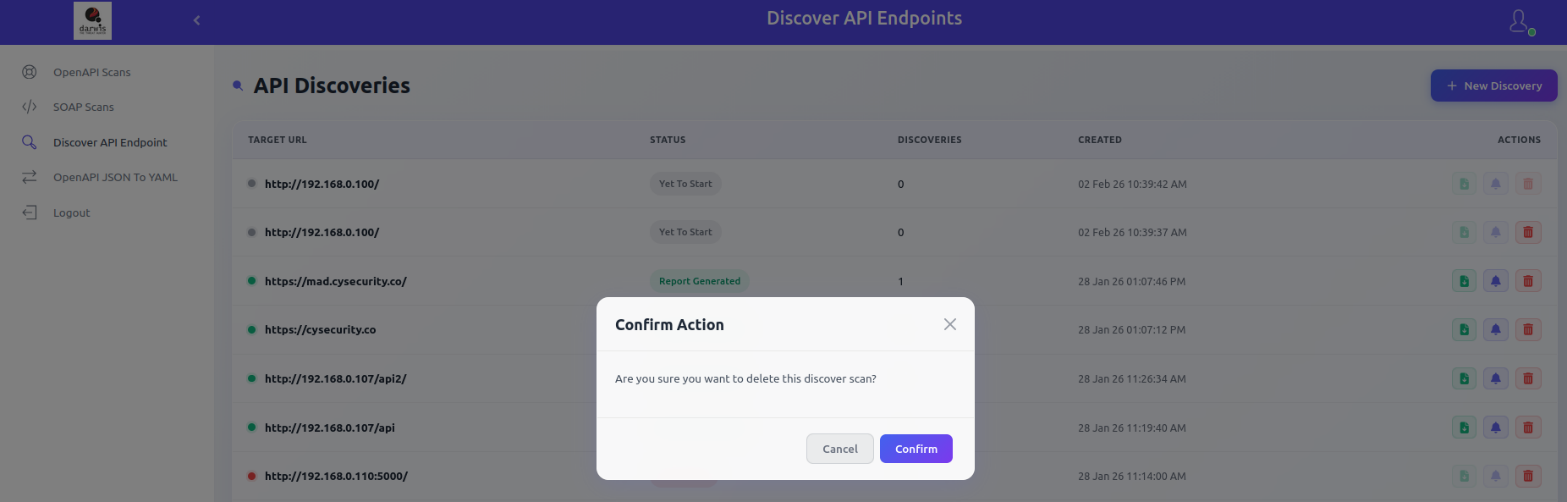
Click the Delete icon to remove a discovery entry.